Your company website can take work off your hands — if it gets a job.
A customer portal pays off when people can complete the same process there reliably. How you find the entry point and clarify rights, interaction, and operations before you build.
Read the German original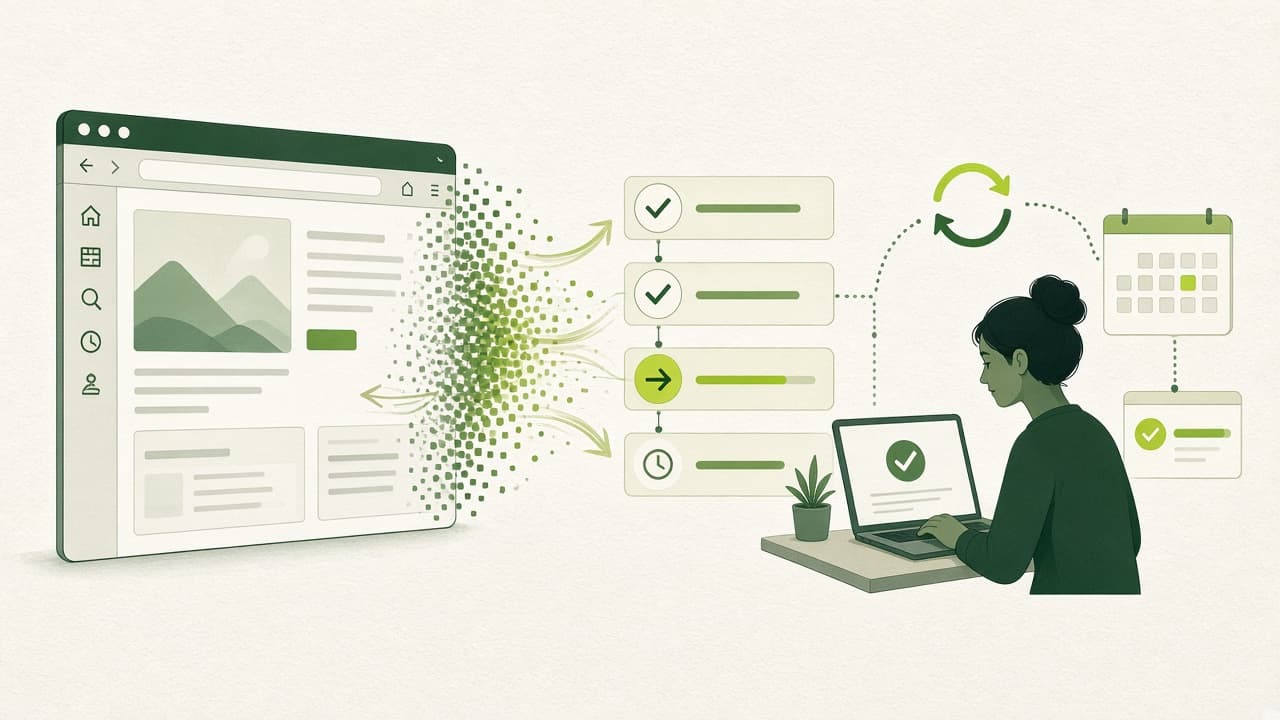
Start with a recurring task
Your website explains services, shows contacts, and creates a first impression. That is necessary — and often not enough. It can also become a shared workplace: customers complete a clearly bounded process there, which your team then handles. Our view: such an extension pays off especially when the same details are regularly missing, follow-up questions arise, or people ask about progress.
Example flow for a technical service business: a customer selects her supported machine, describes the problem, and names a reachable contact. After submit she receives a clear acknowledgement. Later she can see progress. That is a possible development brief, not a claim about an existing neurofunken product.
The intended benefit is more complete requests and fewer avoidable follow-ups. Whether that works you must check in a pilot. With few, highly varied requests, a well-organised conversation can remain more economical. What matters is how often the task occurs and how similar its cases are — not how modern the portal looks.
Decide who may see which process
Before the first screen you need clear access rules. OWASP distinguishes authentication, which verifies an identity, from authorisation for a concrete action. A signed-in customer therefore must not automatically read every request. Permissions must be checked on the server for every request; a hidden button is not enough protection — it only calms whoever built it.
For the service example you should state explicitly: may a person see only their own reports or all reports of their company? Who may add details? Who may revoke access when someone leaves the company? Record these decisions in writing before implementation.
A fitting example test uses two separate customer accounts. Account A tries to open a process from account B directly. Access must be denied. OWASP explicitly recommends testing the defined permissions and reviewing them regularly in operations.
Make the next step understandable
A form should make clear which details are needed and what happens after submit. The W3C WAI initiative recommends understandable feedback for both successful submission and errors. Error messages should name the affected field and explain how to correct the input.
In the example the feedback might read: please add a phone number for follow-up. After successful submission, a confirmation with a case number and the next planned handling step would be useful. These texts are design suggestions. Successful submission must not imply that a business review already happened — otherwise you create trust you do not owe.
For longer forms WAI recommends splitting into logical steps and a recognisable progress indicator. Mapped to the example that could be machine, problem description, and review of details. Information already entered should survive going back. Our conclusion: in the prototype, pay special attention to transitions, corrections, and feedback. That is where it is decided whether people can finish the task on their own.
Extend your website deliberately — not as a plugin pile
A bounded portal area can in principle be developed step by step. Official React documentation describes both interactive components inside existing pages and a dedicated area under a shared site path. Which variant fits depends on the current structure and server configuration.
For neurofunken, custom development and open source take priority. Our recommendation is to shape the concrete workflow to your operation and use suitable existing building blocks. When selecting them, check maintenance status, licence terms, and the skills of the team that will later run the application. A growing plugin landscape without clear ownership is a known security and operations risk — especially where many small extensions carry the same website.
Also plan ownership for updates, access care, and incidents. A portal permanently needs someone who takes those tasks. Technical research for this article is dated 22 September 2026. The cited documentation continues to evolve; concrete integration steps must therefore be checked against the software versions actually in use.
The first step is a checkable flow
Start with a short joint session of business and development. On one page describe the trigger, required details, allowed actions, and completion of a single process. Also name the person who actually handles incoming requests. That organisational prerequisite should be clear before the development brief.
As an example for a first prototype, a request view, an input form, and a confirmation with invented test data can suffice. Have future users walk a typical task with it. Watch where explanations become necessary and which details are missing. Before use with real data, access rules in particular must be implemented and checked.
For a following bounded pilot we recommend three measures: fully submitted processes, necessary follow-ups, and extra support effort. Compare these with the previous flow. If relief does not appear, revise the process first. That gives you a solid basis for deciding whether further website expansion is worthwhile.
What does this look like in your work?
We can turn the idea into a sensible next step with you.
Custom software and websites