Windows by default? Omarchy asks the better question.
The standard workplace deserves a reason. Omarchy shows what an open Linux desktop can look like — and how you check whether a switch makes sense.
Read the German original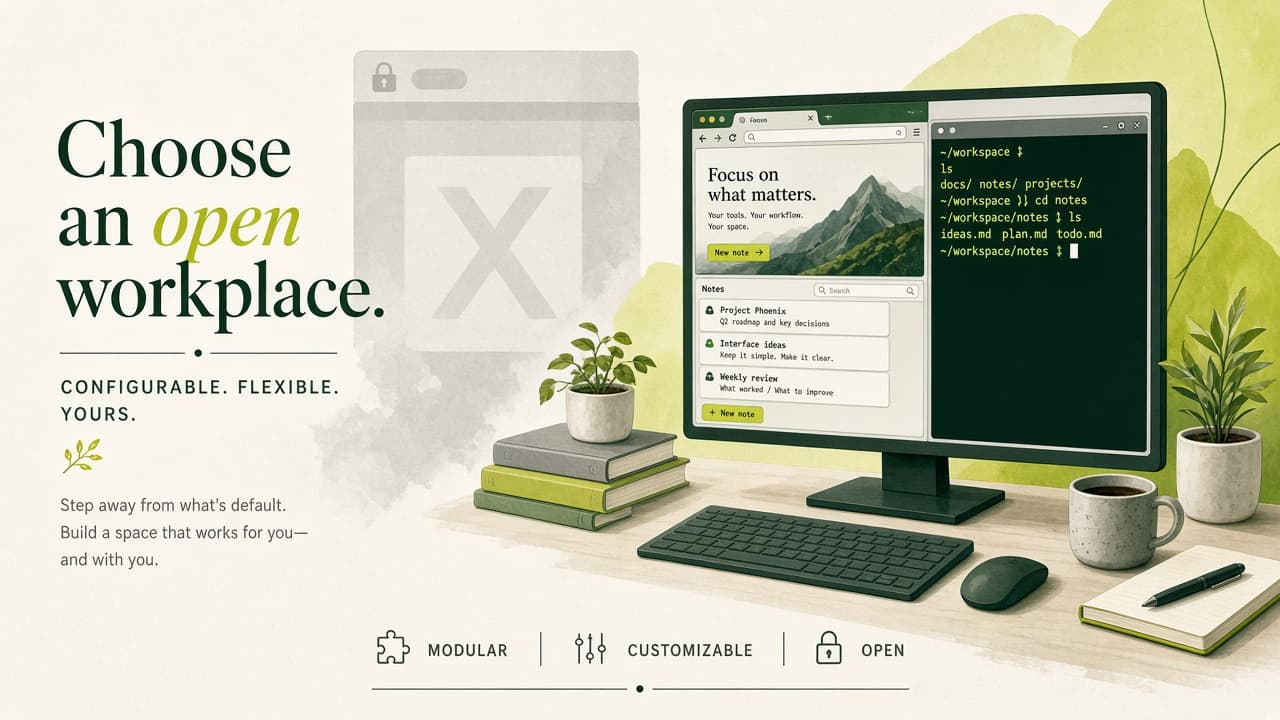
The default needs a reason again
Which operating system lands on the new work machine? That question deserves the same seriousness as choosing your line-of-business software. Which applications does the person need, where do the data live, who supports the device? Our thesis for 2026: Windows should be measured against those requirements — not the other way round. An open Linux workplace belongs in the shortlist as a serious option. Omarchy shows how attractive that option can look and feel.
The facts stay sober: mainstream support for Windows 10, version 22H2, ended on 14 October 2025. Registered devices can receive further security updates through the ESU programme; LTSB and LTSC editions follow their own lifecycles. Windows 11 continues to be offered and supported. When we talk about the end of the Windows default, we mean a business thesis — not a notice that Windows is being discontinued.
What DHH makes visible about Linux
David Heinemeier Hansson, known as DHH, introduced Omarchy in June 2025 as his preconfigured combination of Arch Linux and the Hyprland window manager. The idea: a coherent starting point you can work with immediately — and then change yourself. Already at launch he wrote that this approach is not for everyone and that Ubuntu can ease the entry. That is not a marketing flourish; it is an honest product boundary.
In his subsequent Linux essay, DHH describes the sense of momentum among developers. He also warns against confusing enthusiasm in one’s own circle with general adoption. We find that distinction valuable. You can find DHH on X as @dhh; his fuller arguments are in the linked blog posts. For us the prompt is to design the workplace deliberately again and question its tools — instead of taking them as a law of nature.
Value shows up between two tasks
Omarchy combines coordinated design with a strongly keyboard-driven desktop and prepared development tools. Windows, terminal, and programmes belong to a recognisable whole. That can help when switching between code, documentation, and a running application. Whether the interaction works better for your team is judged far more reliably with real tasks than with a screenshot — however tempting that may be.
Example for a pilot: an employee handles customer requests in the browser, checks documents, and works in an internal portal. Those exact paths are what we would walk through on the intended machine — including video calls, printers, and file exchange. Afterwards what counts are onboarding time, uninterrupted flows, and support effort. A surface can inspire; it becomes economically interesting through a working day that actually works. Open configurations can also help transfer proven settings to further devices in documented form.
Freedom needs planned operations
Omarchy’s Arch base follows a rolling-release model. Arch documentation recommends regular full updates; partial package updates are not supported. For operational use we take from that: try changes on a pilot device first, keep a known good state, and practise recovery. Permanently postponing updates is not an operations strategy — only deferred work. A system snapshot alone also does not replace a backup of working data.
Before a switch, line-of-business apps, document templates, required hardware, and existing access procedures belong on the checklist. Omarchy documents a Windows VM for Windows programmes still needed. That setup does not include GPU passthrough; licensing and fitness must match the use case. A VM therefore does not automatically resolve every dependency. Staff also need a clear introduction and reachable support. If requirements point to another Linux distribution or a Windows workplace, the pilot result must allow that decision — without loss of face.
Agents make the workplace malleable
The current Omarchy manual treats AI agents as part of the working environment. It describes, among other things, choosing a default agent, help investigating crashes, and adjustments with provided guides. We see an interesting next step there: staff describe a desired behaviour; technical support turns it into a checkable change. The workplace can be adapted step by step to concrete tasks — instead of the other way round.
For customer projects we connect that possibility with clear ownership. An agent needs fitting access, a bounded task, and verifiable results. Changes to important system settings belong in a traceable record and must be reversible. Choosing an external AI service remains its own decision about data processing and cost. An open operating system does not automatically make connected services open source. The gain lies in shapeable workflows and conscious decisions about the tools in use.
How this becomes NeuroFunken Workplace
With NeuroFunken Workplace we offer planning and setup of Linux and Omarchy workplaces, tailored to your staff’s tasks. We start with a work profile and a suitable pilot device. Together we check applications, access, data exchange, and everyday use. Only then do we agree further rollout, training, updates, and the desired support. Scope, responsibilities, and support are stated explicitly.
That fits our software approach: browser-capable applications, traceable interfaces, and preferably open building blocks make choosing the workplace easier. Unnecessary lock-in to one vendor does not even have to arise. Our answer to the title question is therefore: Windows can lose its automatic status. Your tasks should set the standard for your company. Omarchy gives us a convincing reason to make that decision together again.
What does this look like in your work?
We can turn the idea into a sensible next step with you.
Plan a Linux & agentic workplace together